 COME
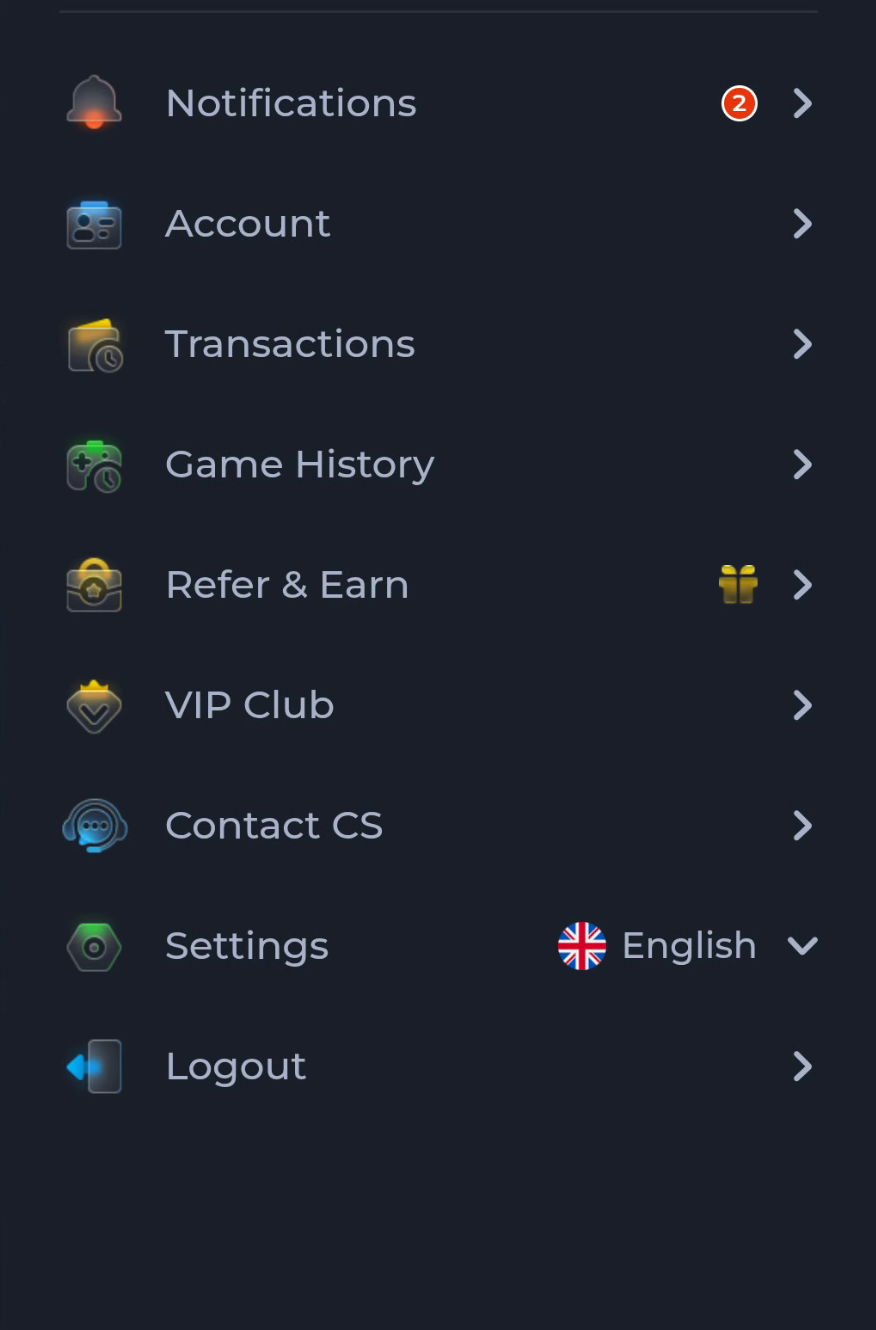
COMECOME Game History and Transactions Are Separate Menus
Game History and Transactions appear as separate entries in the COME account menu. Choose the one matching the activity you want to understand before looking for a record.
Start with the type of activity
A game-related record belongs to a different context from an account transaction. Use the menu label and the actual record details rather than assuming every activity appears in both areas or uses the same reference.
Keep status and time together
When a record is unclear, note the screen, visible status and time. An old record and a current screen can describe different events. Avoid deciding that something is missing until you have confirmed the account and period you are viewing.
Use help for the specific record
The menu also offers Contact CS. If you need account-specific assistance, follow the current service’s help instructions and provide only the relevant non-sensitive reference. Reading the website guides cannot change or resolve an account transaction.
A useful next step
Return to the overview for other app tasks. Keep game activity, transaction history and software installation as separate questions.